
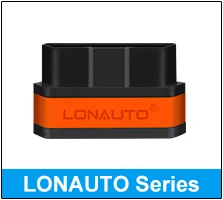
V310 OBDii Scan Elm327 OBD 2 Automotive Scanners Code Reader OBD2 Scanner Car Diagnostic Tool
Default Title
$14.76 USD
Skip to product information










V310 OBDii Scan Elm327 OBD 2 Automotive Scanners Code Reader OBD2 Scanner Car Diagnostic Tool
$14.76 USD
SPECIFICATIONS
Applicable Models: all 1996 and newer vehicles
Brand Name: Lonauto
Car Fitment: Universal
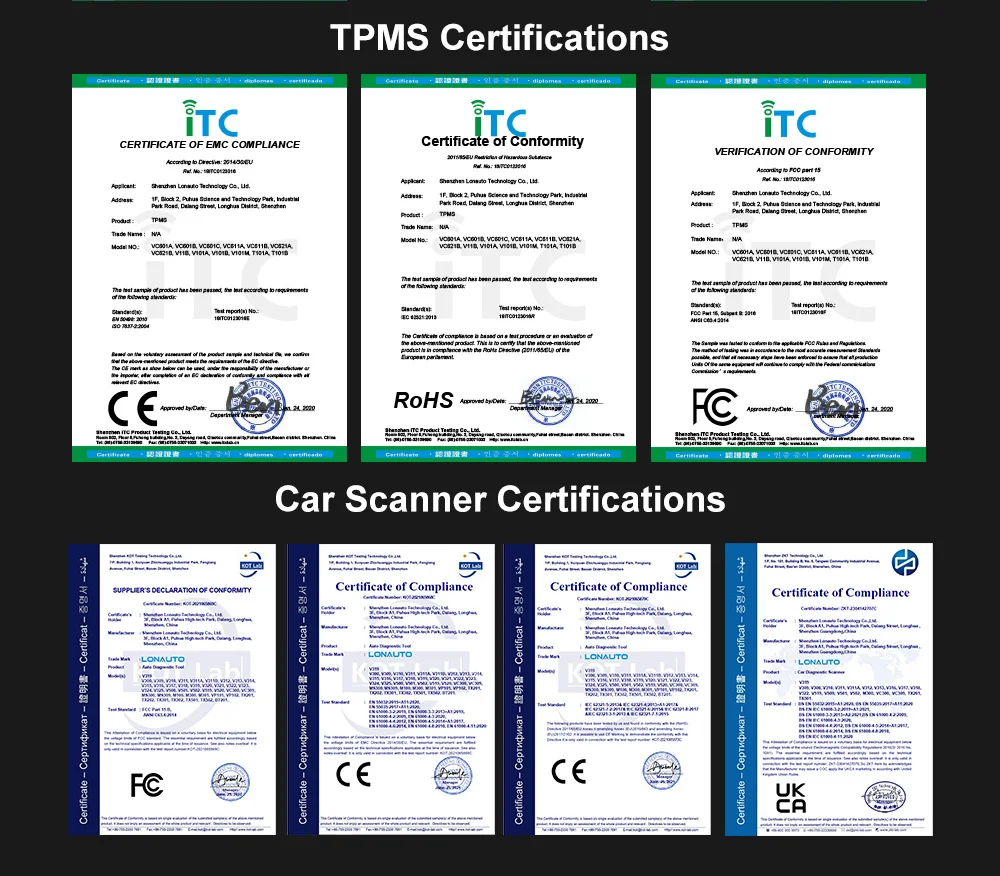
Certification: CE Fcc ROHS
Color: Yellow,Yellow/OEM
Combination: SDK,check engine light
For Vehicle Brand: HYUNDAI
Function: Full OBDII/EOBD Code Reader Scanner
Make: Lonauto
Model Number: V310
OS: Android/Windows/IOS
Operating System: Android, Linux, Windows Embedded CE
Package Dimension: 200*130*43mm
Place of Origin: Guangdong, China
Power: 3W
Power Source: Corded Electric
Product Name: elm327 obd2 scanner
Product Weight: 318g
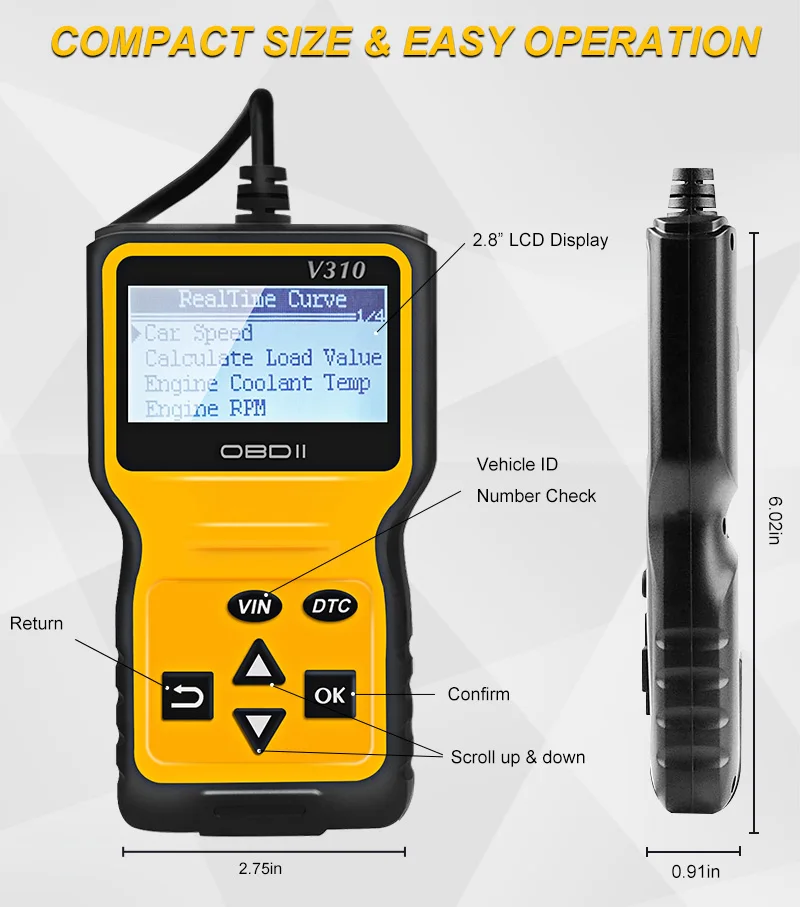
Screen Size: 2.8"
Specification: check engine light
Support Language: 10 languages
Type: Code Reader
Version: Newest Version
Voltage: 9-16V,9-16V
Warranty: 12 Months
Working Current: 80mA
Working Voltage: DC 9V-16V
Country Of Sale |
Model Years |
American Car |
From 1996-Now |
European Car |
From 2008-Now |
Asian Car |
From 2008-Now |
Product Features:
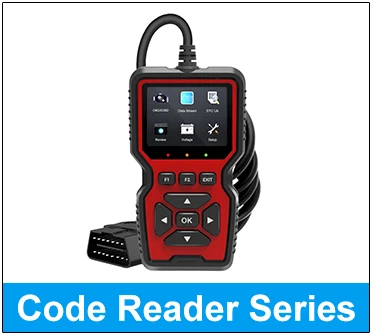
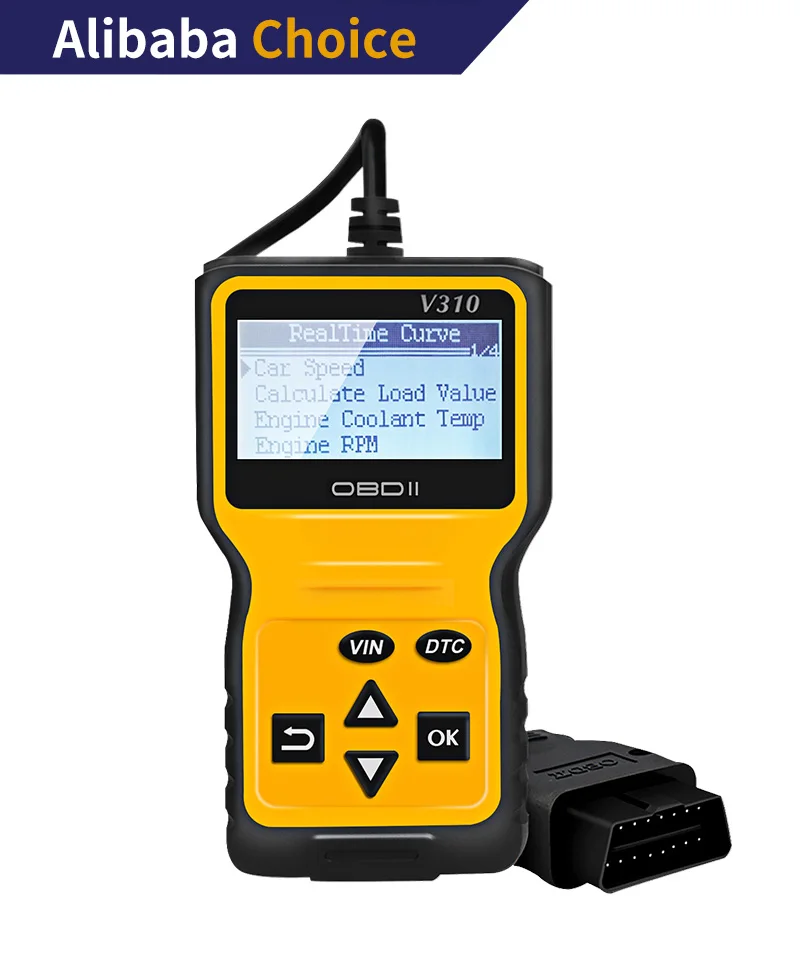
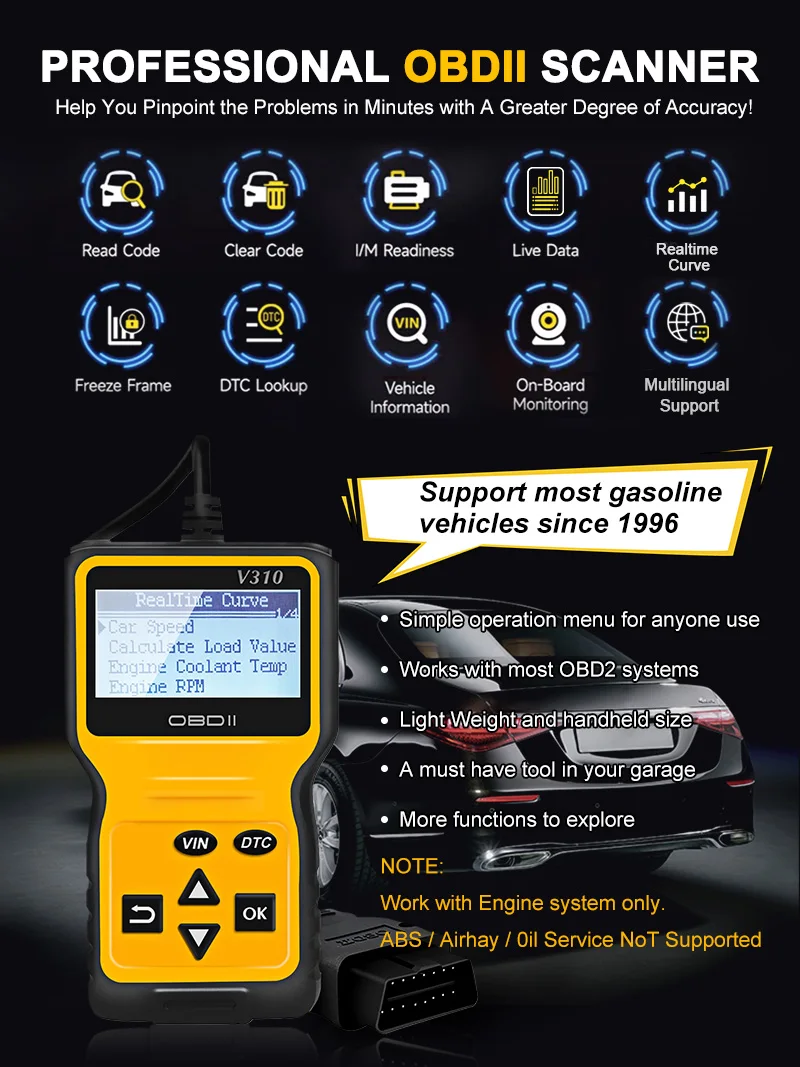
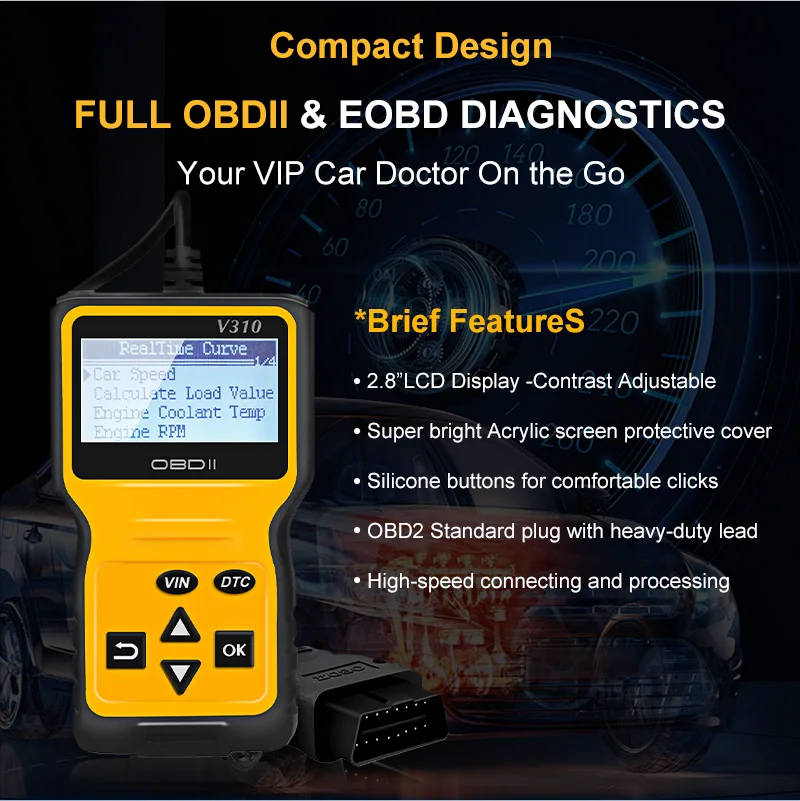
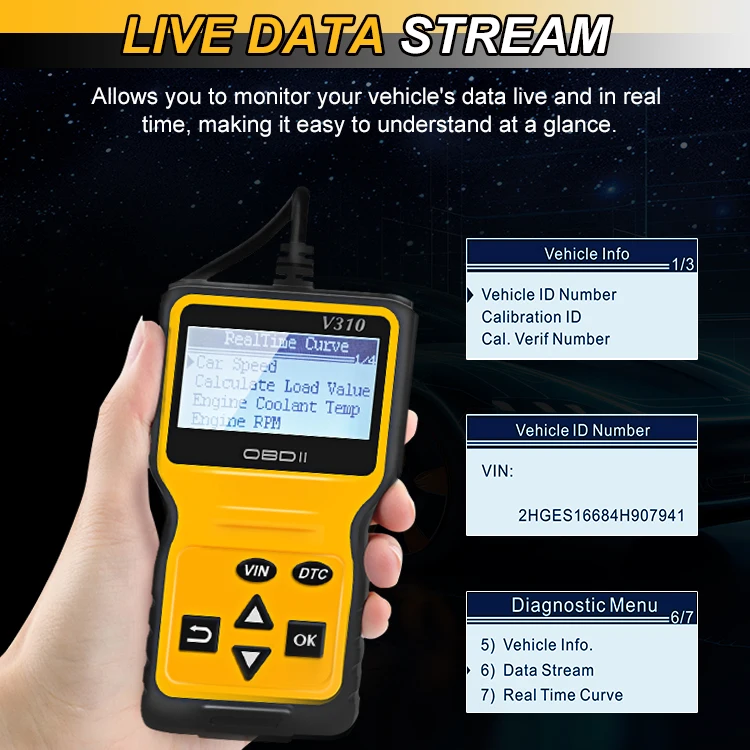
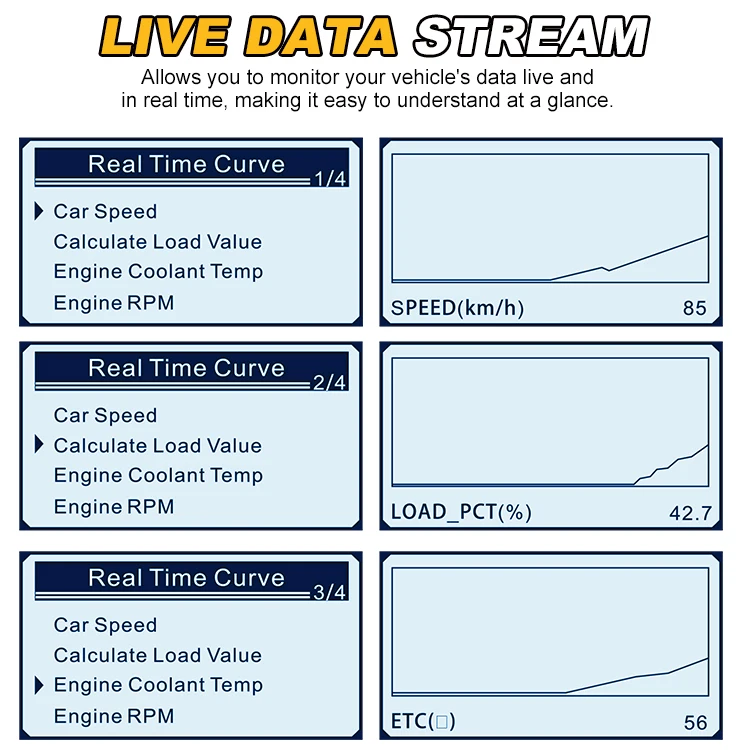
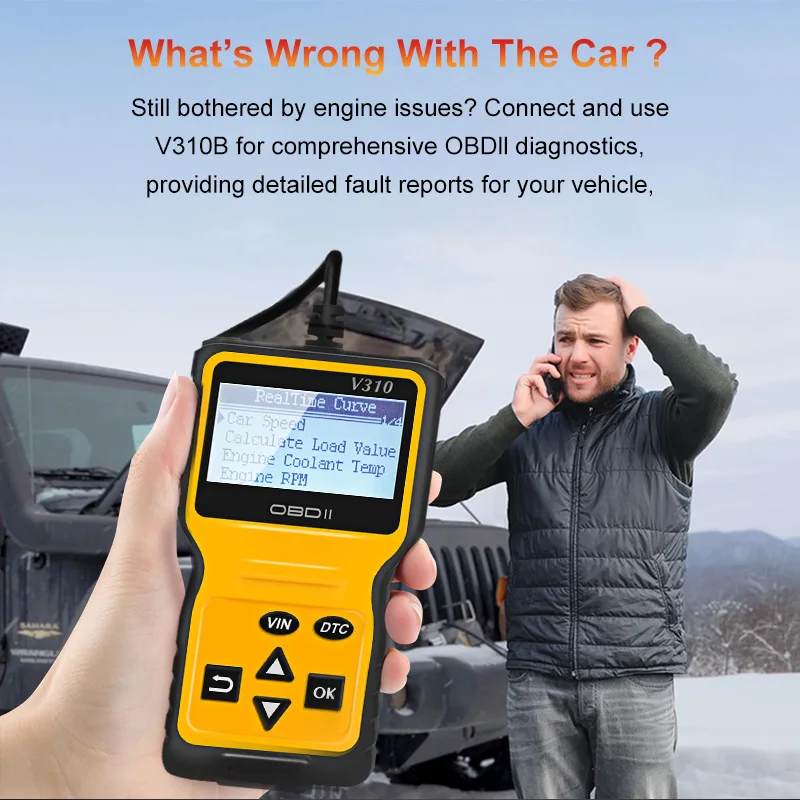
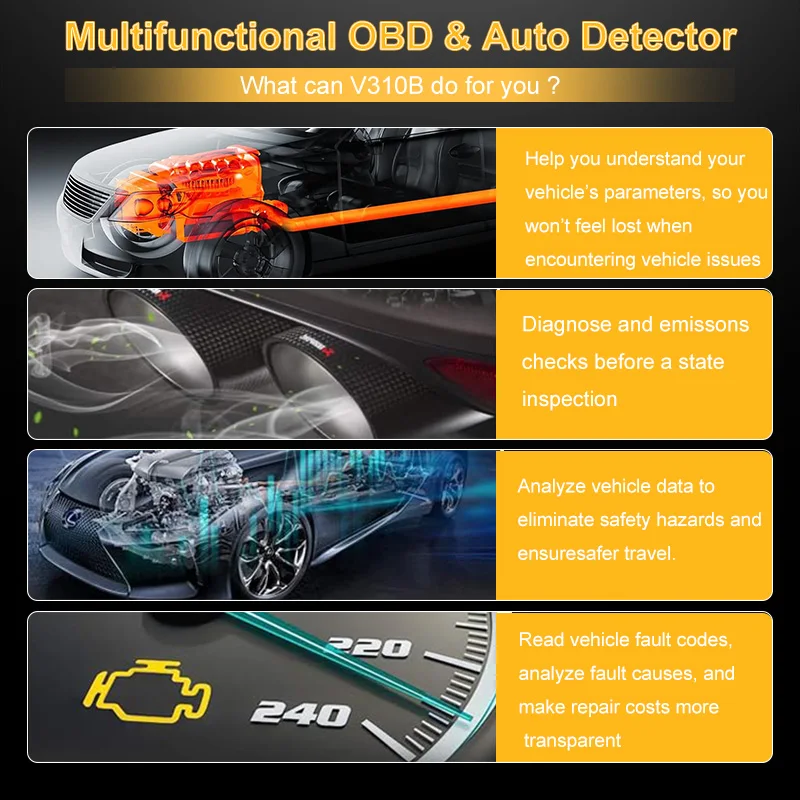
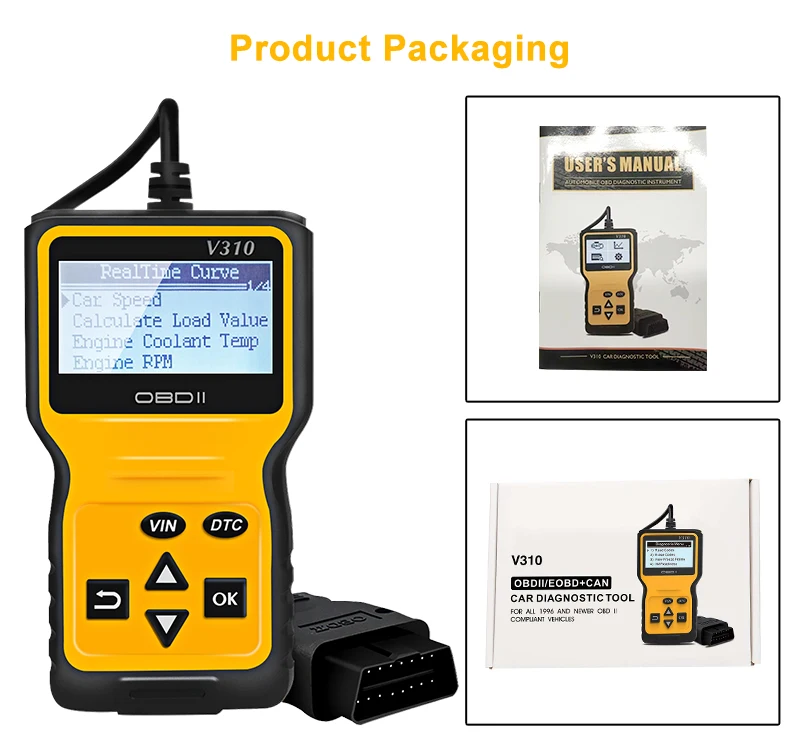
* Multi-Functions - Practical Multi-Functions OBD2 code reader features built-in OBD2 DTC lookup library, which help you to determine the cause of the engine light, read code, erase code, view freeze frame, I/M ready, vehicle information, data flow, real-time curve, get vehicle speed information, calculate load value, engine coolant temperature, get engine speed.
* Wide Capability - Supports 9 protocols compatible with most 1996 US-Based, 2000 EU-Based and Asian cars, and newer OBD II & CAN domestic or import vehicles. Supports 6 languages - English,German, Dutch, Spanish, French, Italian.
* LCD Display - Designed with a clear display LCD screen (128 x 64 pixels) - white backlight and contrast adjustment.
* No need any battery or charger - The code reader gets the power directly from your vehicle through the OBDII Data Link
Connector.
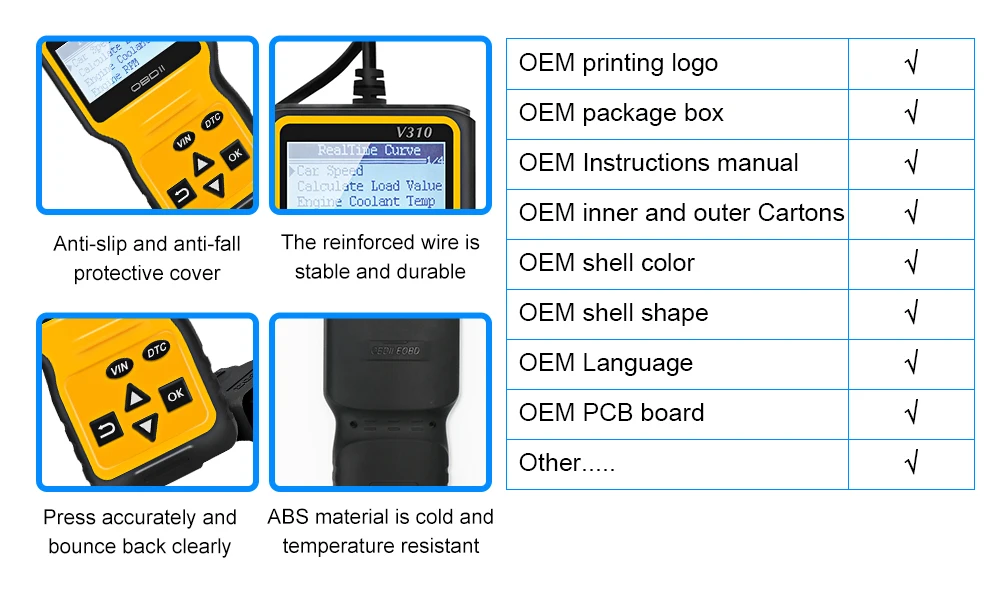
* Compact Design - Car diagnostic scanner is equipped with a 2.5 feet long cable and made of a very thick flexible insulator. There are 6 buttons on OBD2 Scanner: scroll up/down, enter/exit and buttons that quick query VIN vehicle number& the DTC fault code.
* ABS / Airbag codes NOT Supported - It is able to read and clear check engine information which is part of OBDII system, but it cannot work with non-OBDII systems, including ABS / Airbag / Oil Service Light, etc.
* What's in the box - OBD2 Scanner Code Reader x 1, Instruction Manual x 1
* WARRANTY - 2 Years Manufacturer
* Wide Capability - Supports 9 protocols compatible with most 1996 US-Based, 2000 EU-Based and Asian cars, and newer OBD II & CAN domestic or import vehicles. Supports 6 languages - English,German, Dutch, Spanish, French, Italian.
* LCD Display - Designed with a clear display LCD screen (128 x 64 pixels) - white backlight and contrast adjustment.
* No need any battery or charger - The code reader gets the power directly from your vehicle through the OBDII Data Link
Connector.
* Compact Design - Car diagnostic scanner is equipped with a 2.5 feet long cable and made of a very thick flexible insulator. There are 6 buttons on OBD2 Scanner: scroll up/down, enter/exit and buttons that quick query VIN vehicle number& the DTC fault code.
* ABS / Airbag codes NOT Supported - It is able to read and clear check engine information which is part of OBDII system, but it cannot work with non-OBDII systems, including ABS / Airbag / Oil Service Light, etc.
* What's in the box - OBD2 Scanner Code Reader x 1, Instruction Manual x 1
* WARRANTY - 2 Years Manufacturer

FAQ
Q: How to connect the scanner with the vehicle?
A: a) Turn the ignition off.
b) Connect the code reader’s plug to the vehicle’s OBDII port
c) Turn the ignition on. DO NOT start the engine.
d) The code reader will then automatically link to the vehicle’s computer.
e) Refer to the manual for details.
Q: Why does the scanner’s screen not turn on?
A: Check the fuse for the OBD port in the vehicle’s fuse box. Usually, it’s the same fuse as the cigarette socket. If the fuse is blown, there will be no power for the OBD port, so the scanner cannot be power on.
Q: Does the scanner support Air Bag, ABS, Brake, Suspension, Oil Service, Maintenance Reset or Battery Registration?
A: No. It can only scan the vehicle’s engine system and emission system, detecting the engine fault by displaying the fault code and erasing the fault code after the engine problem is fixed.
Q: Why does the scanner not read the VIN (Vehicle Identification Number)?
A: a)- Due to the different vehicle makers and models, some vehicles’ VIN may not be able to read by the scanner. A professional vehicle maker’s scanner is needed.
b)- The vehicle’s computer may be blocked or revised before in purpose.
Q: What are the vehicle brands that the scanner supports? (Search Question / Ask others)
Theoretically, it works with most 1996 US-Based, 2000 EU-Based and Asian cars, and newer OBD II & CAN domestic or import vehicles.
A: But due to the datalink problem with the ports, it may fail to connect with some vehicles in some circumstances.
A: a) Turn the ignition off.
b) Connect the code reader’s plug to the vehicle’s OBDII port
c) Turn the ignition on. DO NOT start the engine.
d) The code reader will then automatically link to the vehicle’s computer.
e) Refer to the manual for details.
Q: Why does the scanner’s screen not turn on?
A: Check the fuse for the OBD port in the vehicle’s fuse box. Usually, it’s the same fuse as the cigarette socket. If the fuse is blown, there will be no power for the OBD port, so the scanner cannot be power on.
Q: Does the scanner support Air Bag, ABS, Brake, Suspension, Oil Service, Maintenance Reset or Battery Registration?
A: No. It can only scan the vehicle’s engine system and emission system, detecting the engine fault by displaying the fault code and erasing the fault code after the engine problem is fixed.
Q: Why does the scanner not read the VIN (Vehicle Identification Number)?
A: a)- Due to the different vehicle makers and models, some vehicles’ VIN may not be able to read by the scanner. A professional vehicle maker’s scanner is needed.
b)- The vehicle’s computer may be blocked or revised before in purpose.
Q: What are the vehicle brands that the scanner supports? (Search Question / Ask others)
Theoretically, it works with most 1996 US-Based, 2000 EU-Based and Asian cars, and newer OBD II & CAN domestic or import vehicles.
A: But due to the datalink problem with the ports, it may fail to connect with some vehicles in some circumstances.